Case Study
PrimeClean Home Services Booking and Lead Automation System
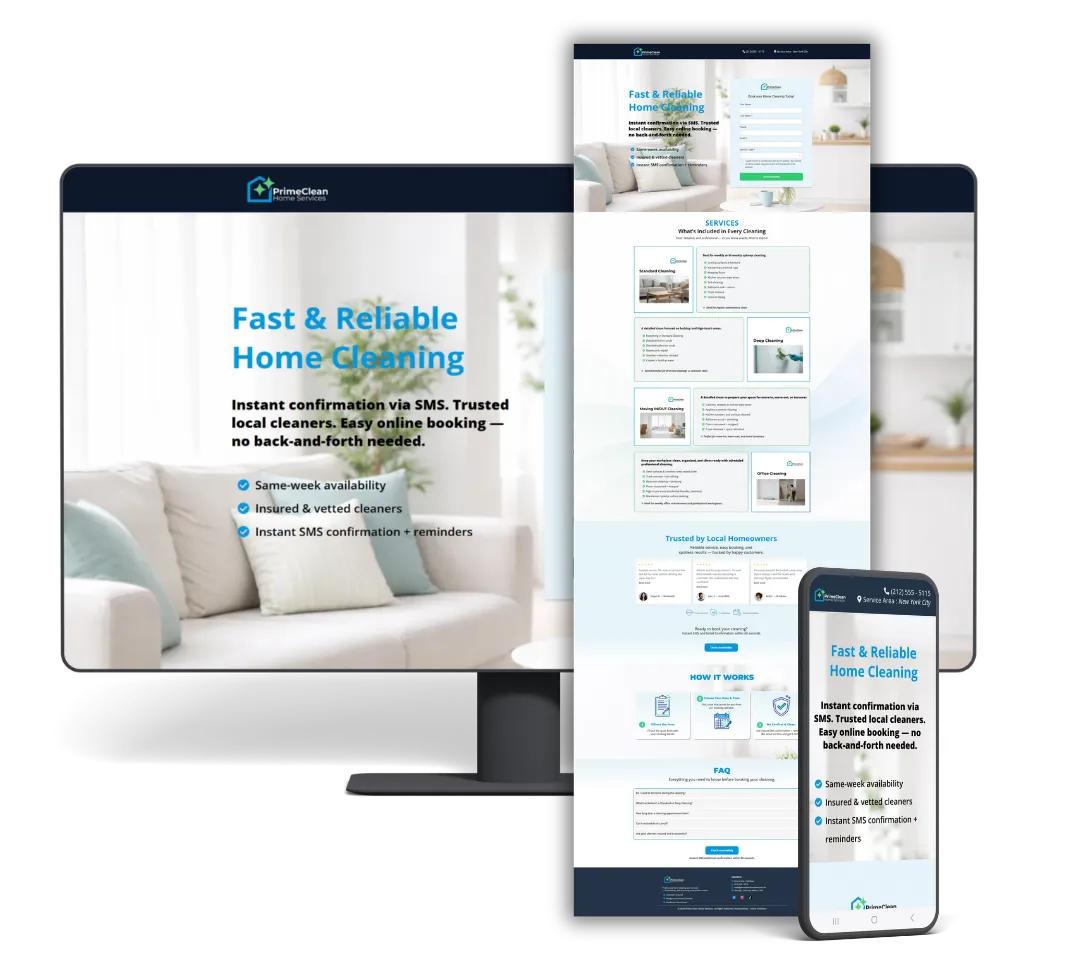
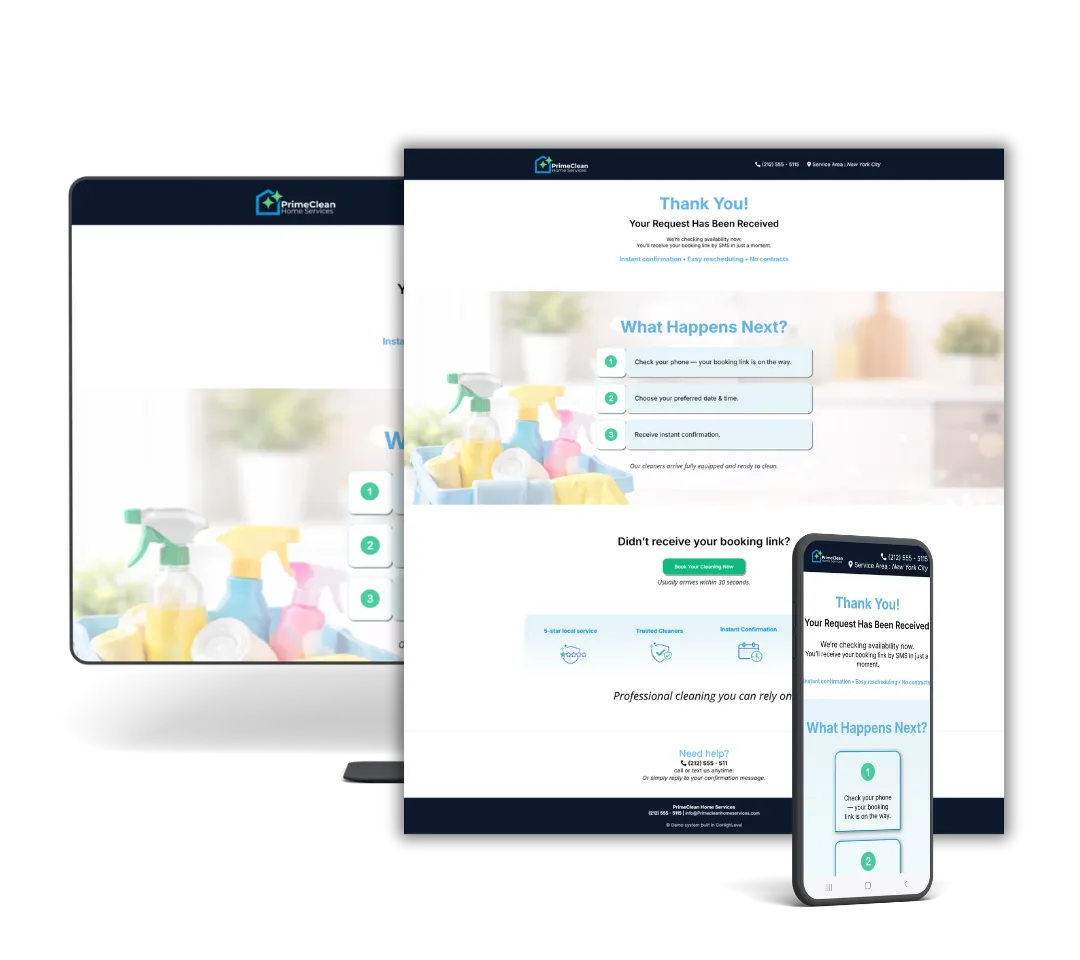
A simple system designed to capture inquiries, follow up quickly, and guide leads to booking — without manual work.
• Captures leads from forms
• Sends instant follow-ups• SMS + email confirmations
• Built entirely in GoHighLevel
This is a live system used to capture and book real customers.
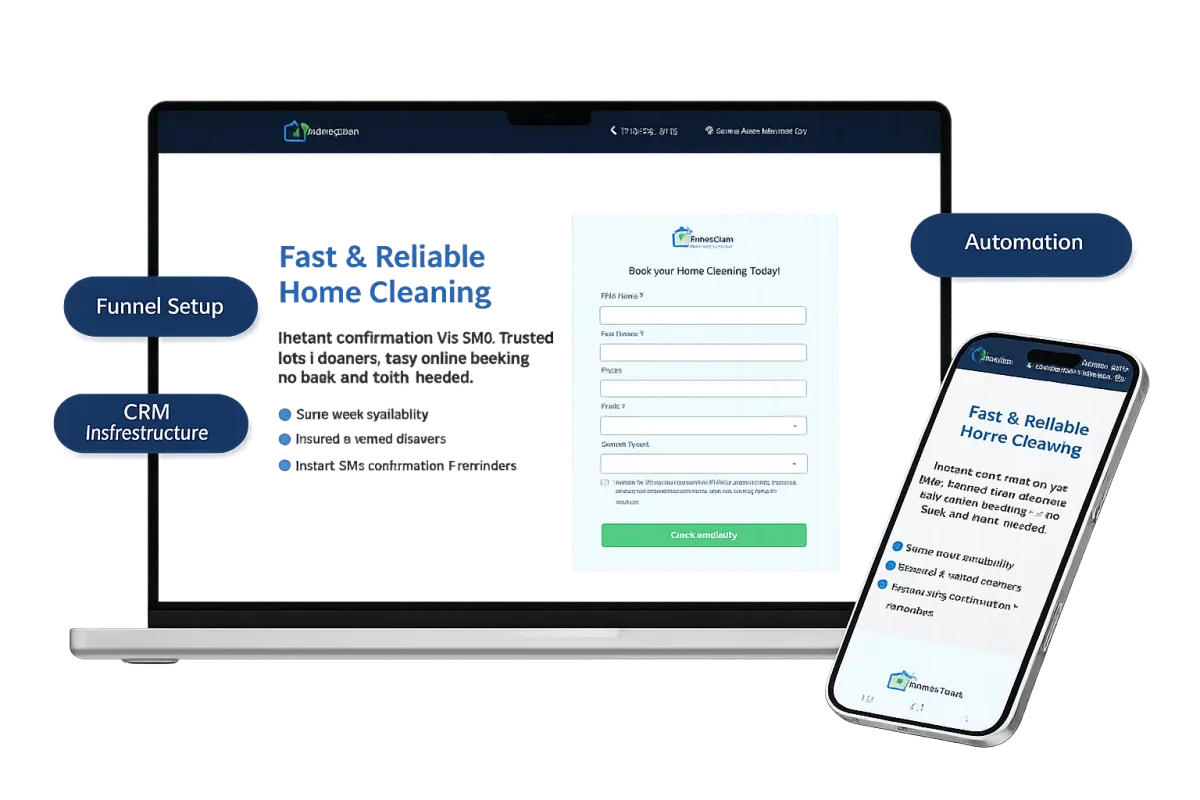
This is a live system used to capture and book real customers.
What This System Handles
A simple setup that helps you capture, follow up, and manage leads without things getting missed.
Lead Funnel + Capture
Captures inquiries from forms or pages and stores them in one place — so no leads are lost or forgotten.
. . .
CRM + Pipeline Organization
Shows where each lead is in the process — so you know who to follow up and who’s ready to book.
. . .
Booking + Automation
Lets leads book easily while follow-ups and confirmations happen automatically.
. . .
This is not about more tools — it’s about having a clear system that handles your leads properly.
What Usually Happens Without a System
No instant confirmation → low trust

Manual follow-ups = lost leads
Scattered tools (forms, calendars, SMS)
Most leads don’t get lost at the start — they get lost in the follow-up.
The Problem Local Cleaning Businesses Face
No instant confirmation → low trust
Manual follow-ups = lost leads
Scattered tools (forms, calendars, SMS)
Most cleaning businesses lose leads after the form is submitted.
How the System Fixes This
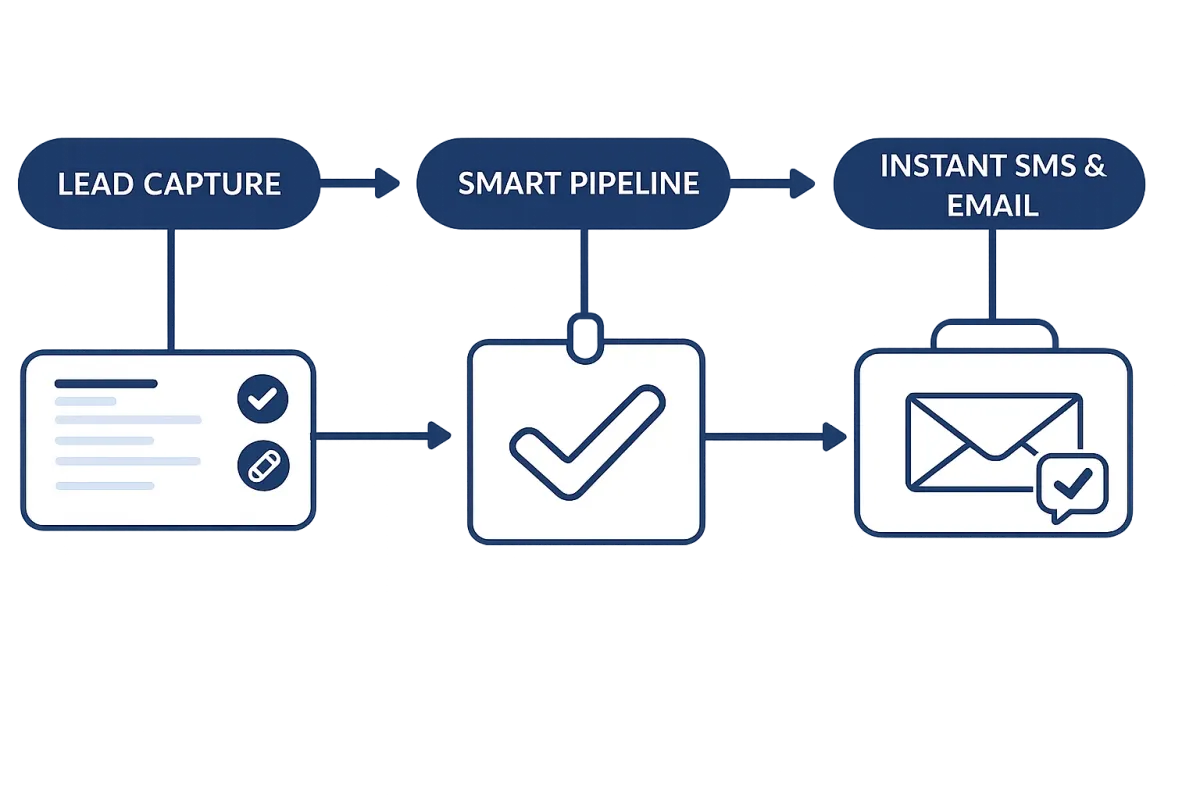
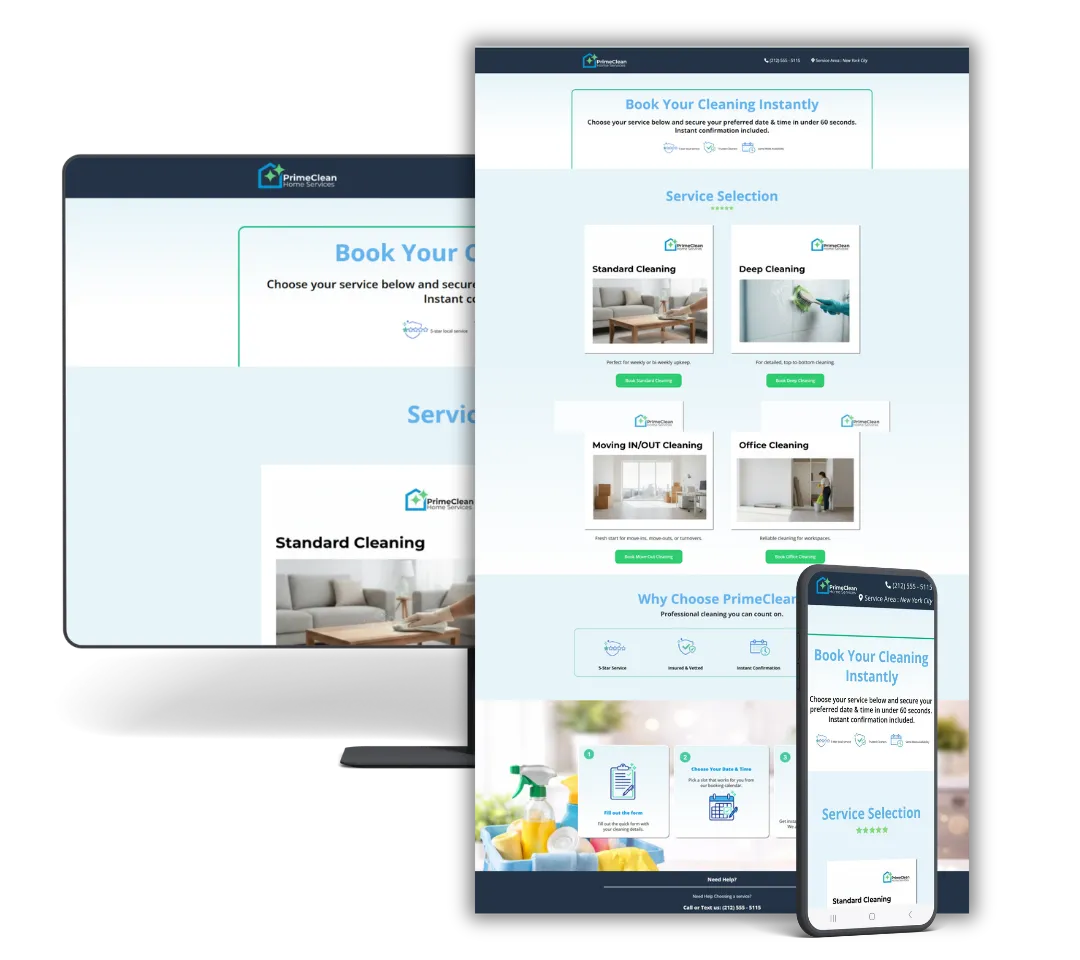
This system connects everything into one simple flow:
Leads are captured right away
Follow-ups are sent automatically
Bookings are confirmed without manual work
Each lead is tracked from start to finish
Form → Follow up → Pipeline → SMS → Booking → Confirmation
See How Each Part Works
How the System Adjusts to Each Service
Each service follows a simple flow — from inquiry to booking — based on what the customer selects.
Standard Cleaning
Standard Cleaning is built for recurring clients, so the system automatically routes them to the right calendar, tags them for future follow-ups, and allows instant booking without manual review.
Trigger: Service Type = Standard Cleaning
Calendar: Standard Cleaning Calendar
Tags Applied: standard, recurring-eligible
Pipeline Stage: New Lead → Booked
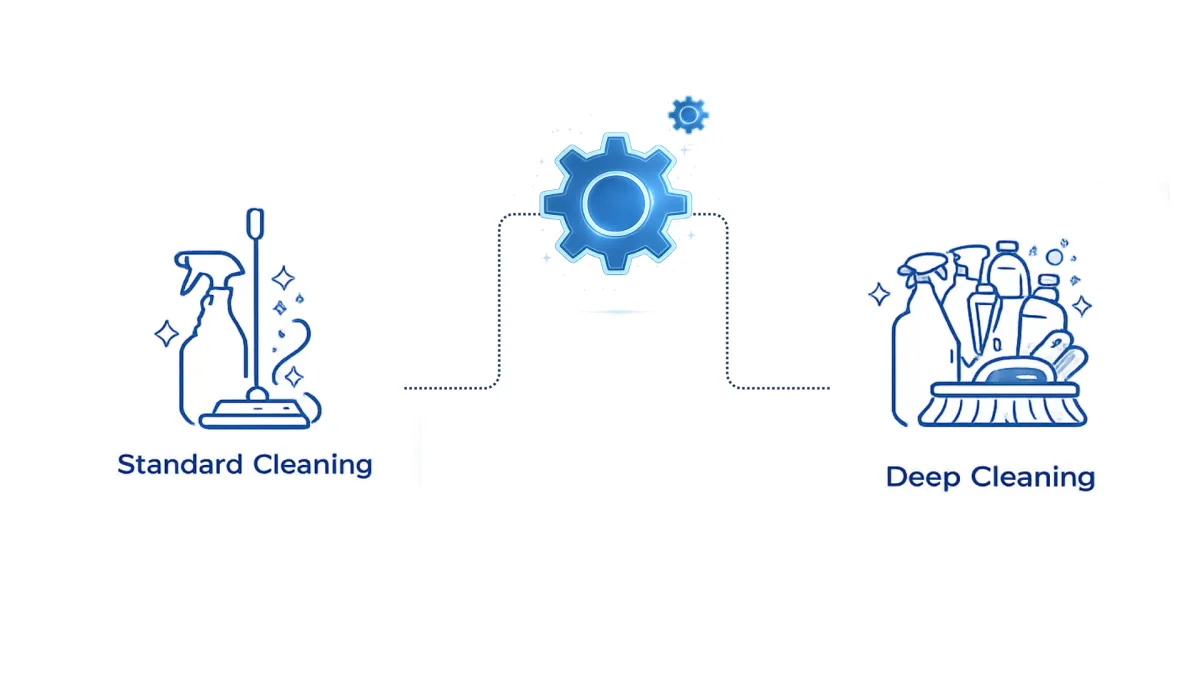
Deep Cleaning
Built for one-time or first-time cleans, this service uses longer booking slots and specific tags to ensure proper scheduling and clear expectations before the appointment.
Trigger: Service Type = Deep Cleaning
Calendar: Deep Cleaning Calendar
Tags Applied: deep-clean, one-time
Pipeline Stage: New Lead → Booked
Move In / Move Out Cleaning
Higher-value and time-sensitive, this service pauses the system for manual review to confirm scope, pricing, and availability before final booking.
Trigger: Service Type = Move In / Move Out
Calendar: Move Cleaning Calendar
Tags Applied: move-clean, high-ticket
Pipeline Stage: New Lead → Booked
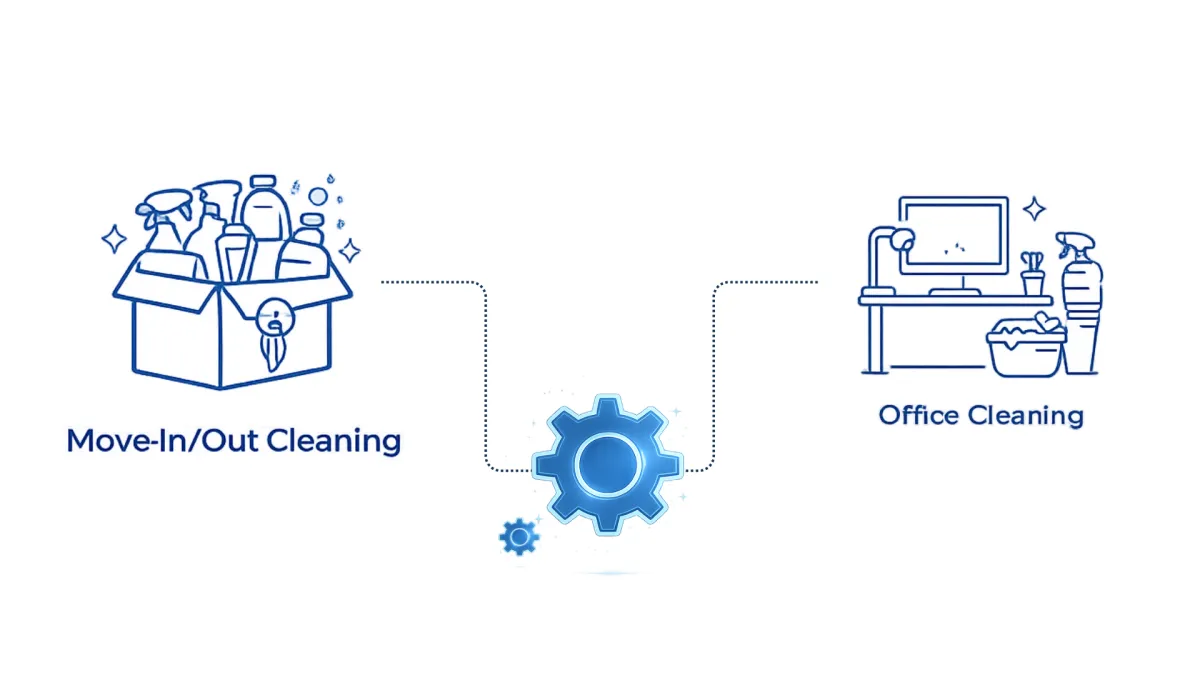
Office Cleaning
This service is treated as a qualified lead — requests are routed for consultation or quoting instead of instant booking, allowing proper evaluation before scheduling.
Trigger: Service Type = Standard Cleaning
Calendar: Deep Cleaning Calendar
Tags Applied: deep-clean, one-time
Pipeline Stage: New Lead → Booked
What Happens After a Lead Comes In
Here’s what happens behind the scenes after a customer submits the booking form — from lead capture to confirmed appointment.
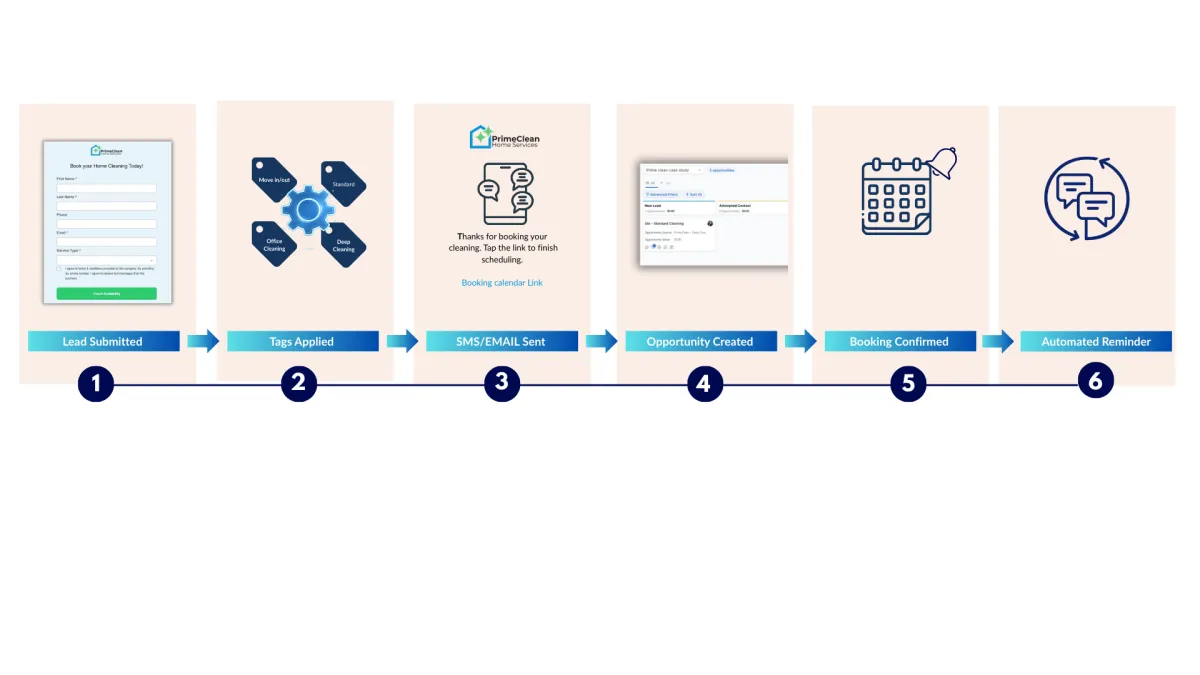
The customer completes the booking form and selects their service.
All details are captured instantly and sent into the system.
The system applies service-based tags automatically — such as standard, deep-clean, or recurring-eligible — so each lead is categorized correctly from the start.
An automatic SMS is sent immediately with the next step — including a booking link or confirmation message — so the customer knows their request was received.
A new opportunity is created in the CRM pipeline, giving full visibility into where the lead is in the booking process.
Once the customer selects a date and time, the appointment is confirmed and logged automatically — no manual follow-up required.
Confirmation emails and SMS reminders are scheduled automatically to reduce no-shows and keep appointments organized.
Everything is handled step by step — so nothing gets missed.
Automation in Action
Here’s what happens behind the scenes after a customer submits the booking form — from lead capture to confirmed appointment.
1. The system applies service-based tags automatically — such as standard, deep-clean, or recurring-eligible — so each lead is categorized correctly from the start.
2. The customer completes the booking form and selects their service.
All details are captured instantly and sent into the system.
3. An automatic SMS is sent immediately with the next step — including a booking link or confirmation message — so the customer knows their request was received.
4. A new opportunity is created in the CRM pipeline, giving full visibility into where the lead is in the booking process.
5. Once the customer selects a date and time, the appointment is confirmed and logged automatically — no manual follow-up required.
6. Confirmation emails and SMS reminders are scheduled automatically to reduce no-shows and keep appointments organized.
This case study demonstrates system design and automation logic. Results may vary.
Want This System for Your Business?
Start with a System Clarity Audit to identify what needs to be built for your setup.
If you’d like to see how this system could work for your business, book a walkthrough below.


© 2025 JRPCREATIVEDIGITALS | TERMS AND CONDITIONS | PRIVACY POLICY
Need Help ? Email us [email protected]